Looking for reliable IPTV tutorials in South Africa? You’ve found the right place. Whether you’re setting up your first subscription, switching apps, or trying to fix a buffering issue, this hub covers every step of the journey in plain language.
What Are IPTV Tutorials and Why Do South African Users Need Them?
IPTV works differently from traditional satellite TV. There’s no decoder to plug in, no technician to call, and no one-size-fits-all setup process. The app you use, the device you stream on, and the playlist format your provider uses all affect how you get started.
That’s why IPTV tutorials matter. A good setup guide saves you hours of trial and error and gets you streaming in minutes instead of days. South African users in particular face a few unique challenges: ISP throttling during peak hours, a mix of fibre and LTE connections with varying speeds, and a market full of providers offering wildly different quality levels.
Our IPTV tutorials for South Africa are written with all of that in mind. No generic global advice. No assumptions about your device or internet speed. Just practical, step-by-step guidance that works in the South African context.
What You’ll Find in These IPTV Guides
Our tutorials cover five core areas that South African IPTV users ask about most:
Understanding IPTV. Before you install anything, it helps to know how the technology actually works. How does your provider deliver 97,000 channels to your screen? What is an M3U playlist? What does EPG mean and why does it matter? Our beginner guides answer all of this without unnecessary technical jargon.
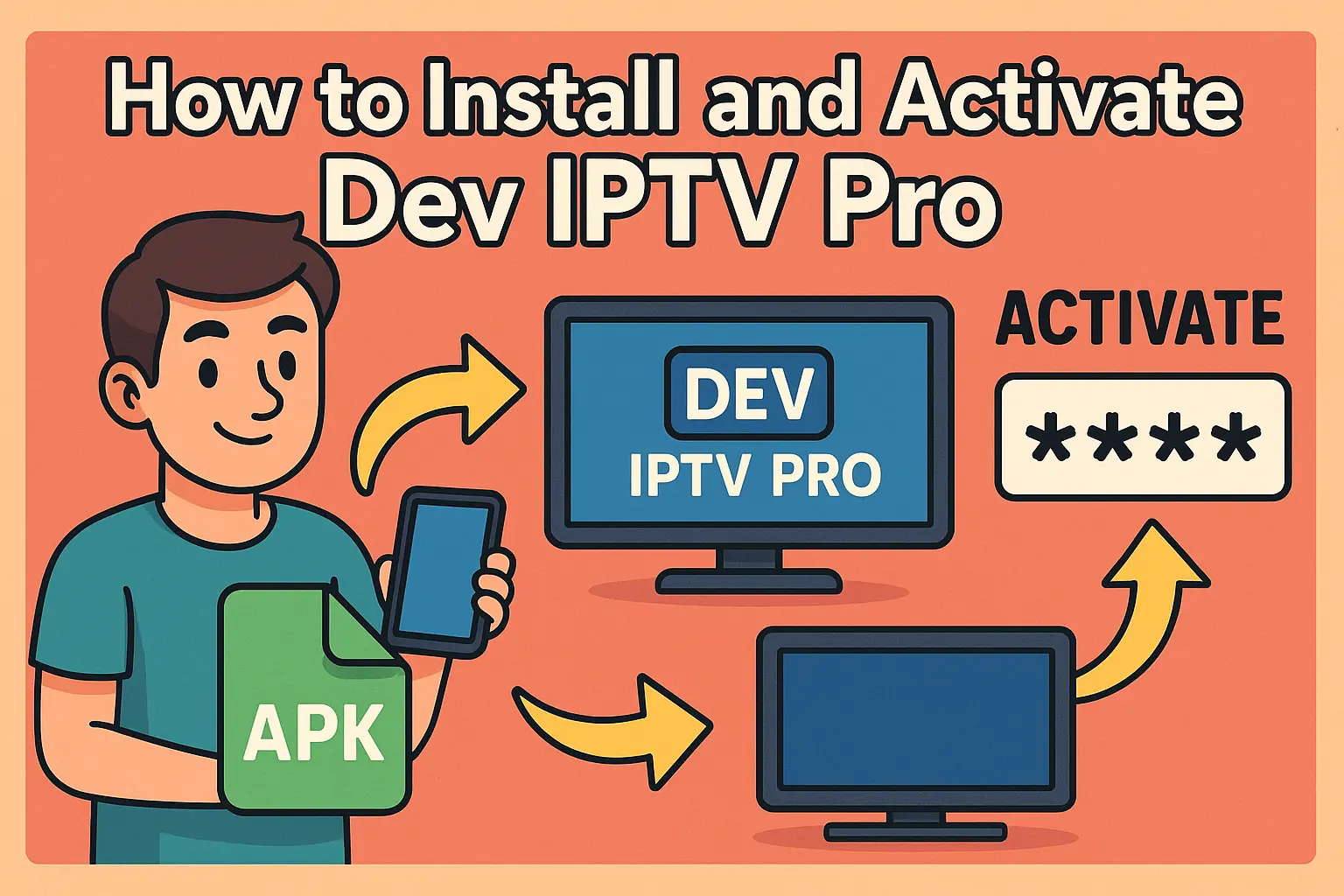
App installation and activation. The most common point of confusion for new subscribers is getting their app connected to their subscription. Our step-by-step installation guides cover IPTV Smarters Pro, Dev IPTV Pro, Kodi, and Smart IPTV, each written specifically for South African users on South African devices.
Playlists, EPG, and Xtream Codes. Once your app is installed, you need to know how to load your channel list, set up your TV guide, and refresh your playlist when channels stop working. These are the most common day-to-day questions our subscribers ask, and our playlist guides answer all of them.
Legal and privacy questions. Is IPTV legal in South Africa? Do you need a VPN? What happens if your ISP throttles your connection? Our guides answer these questions directly, without scaremongering or vague disclaimers.
Troubleshooting. Buffering, black screens, missing channels, EPG not loading. Every IPTV user runs into these issues at some point. Our troubleshooting guides walk you through the most common fixes step by step so you’re never stuck staring at a loading screen.
Who These IPTV Tutorials Are Written For
These guides are written for everyday South African viewers, not IT professionals. If you’ve never used IPTV before, the beginner guides will get you up and running from scratch. If you’re an existing subscriber who wants to optimise your setup or switch to a better app, the intermediate guides cover exactly that.
Every tutorial assumes you have a working internet connection and a compatible device. That’s it. No prior technical knowledge required.
How to Get the Most Out of These Guides
A few things worth knowing before you dive in:
Most setup processes take between 10 and 15 minutes from start to finish. If yours is taking longer, something has gone wrong at a specific step and the troubleshooting section of the relevant guide will help you identify it quickly.
Your IPTV experience is only as good as your provider and your internet connection. A premium app on a slow or throttled connection will still buffer. If you don’t yet have a reliable IPTV subscription south africa service, start there before working through any setup guide.
For the smoothest possible experience, use a wired connection where possible, keep your app updated, and refresh your playlist every few weeks to ensure your channel list stays current.
The Most Common Question We Get: Where Do I Start?
If you are brand new to IPTV in South Africa, the fastest path to your first working stream looks like this:
First, confirm your subscription is active and that you have received your login credentials by email. Then choose your app based on your device. IPTV Smarters Pro works on almost everything and is the best starting point for most users. Follow the installation guide for your chosen app, enter your credentials exactly as provided, and your channel list will load automatically.
If anything goes wrong at any point, the most common causes are a typo in the server URL or password, an expired subscription, or a Wi-Fi connection that doesn’t have enough speed for HD streaming. Each of these is covered in detail in the relevant guides.
Why South African IPTV Users Trust These Tutorials
There’s no shortage of IPTV setup content online, but most of it is written for UK or US audiences using services and internet infrastructure that don’t match what South African users deal with day to day.
These IPTV tutorials are written by people who understand the South African market: the dominance of Openserve and Vumatel fibre, the reality of load shedding affecting router uptime, the specific apps that perform best on local LTE connections, and the legal framework that governs IPTV content in South Africa.
That local context makes a significant difference. A guide that tells you to “just use a VPN” without explaining which South African server to connect to, or how to prevent the VPN from adding unnecessary latency on a 20 Mbps LTE line, is only half useful. Our guides go the extra step.
Bookmark This Page
New tutorials are added regularly as apps are updated, new devices become popular, and the South African streaming landscape evolves. If you found this page useful, bookmark it and check back whenever you need help with your IPTV setup.
For immediate help with your subscription, our 24/7 WhatsApp support team is always available. Most setup issues are resolved in under 10 minutes with live support.